Support for TD540
File transfer to TD540 is now supported.
Please configure the settings as described below
-
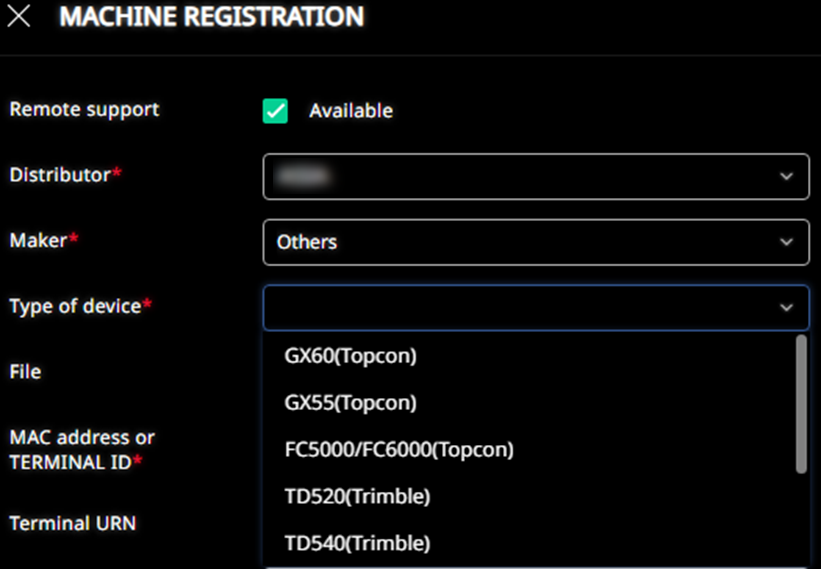
In "MACHINE REGISTRATION", set "Type of device" to "TD540 (Trimble)".
* Please note that as part of this update, "EarthWorks" has been renamed to "TD520 (Trimble)".
The procedure to transfer files from SC Remote and load the project files on the TD540 is as follows:
<File Transfer (SC Remote to TD540)>
-
Same as TD520, files will be transferred as ZIP files.
-
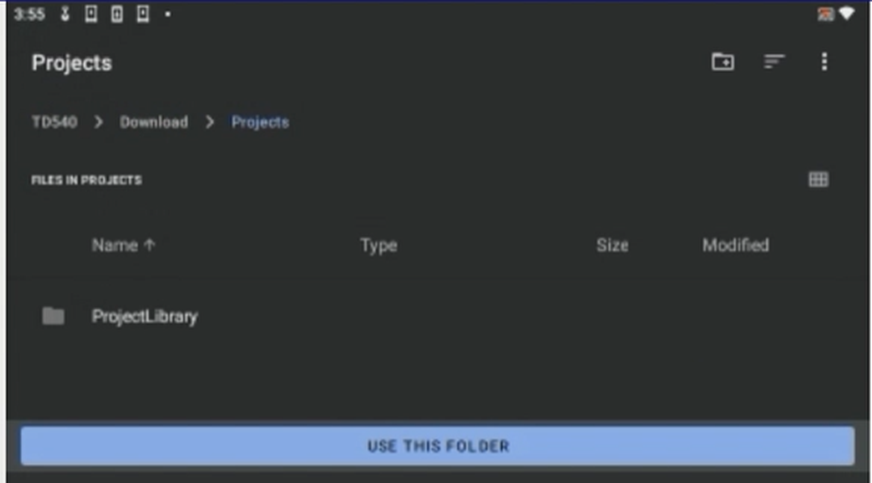
The ZIP file will be extracted and saved in the following folder on TD540. (The transferred folder is different, but the process is the same as for TD520.): Download/Projects/ProjectLibrary

<Loading Projects on TD540>
-
After transferring files from SC Remote, open the “Projects” folder in Earthworks on TD540.
-
Please refer to the attached video for details. TD540_Filetransfer.mp4
File Transfer Error Fix for Komatsu IMC Machines
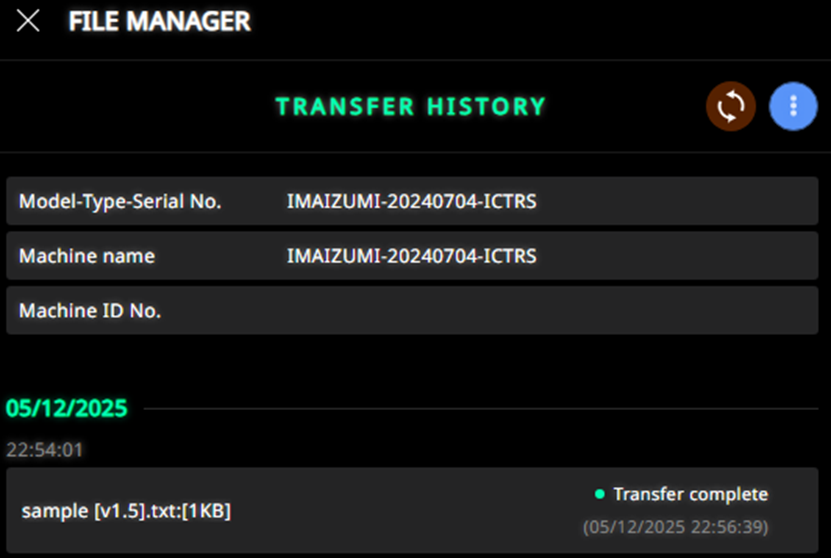
The system has been updated to allow successful file transfers even when the file name includes symbols such as “[”, “]”, or “_”.