When this issue occurs and prevents proper install of Project file you will see the following messages
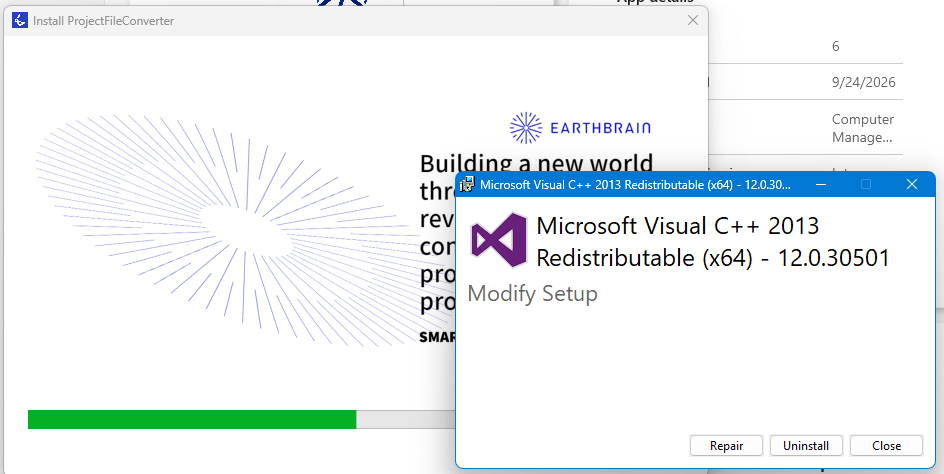
Even though the installation says it completes the software is not available
Use the following countermeasure:
Uninstall C++
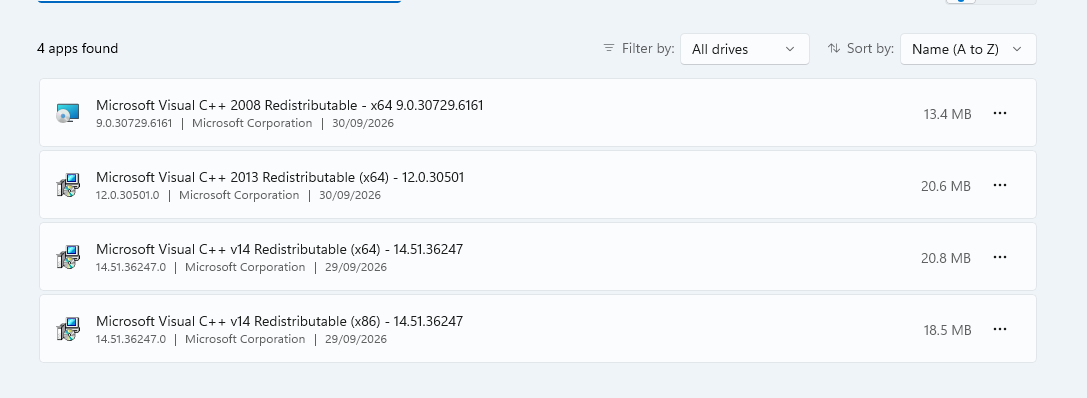
After C++ Is uninstalled, reinstall latest version of Project file converter from pilot web app.
Confirm software is available and can launch successfully.
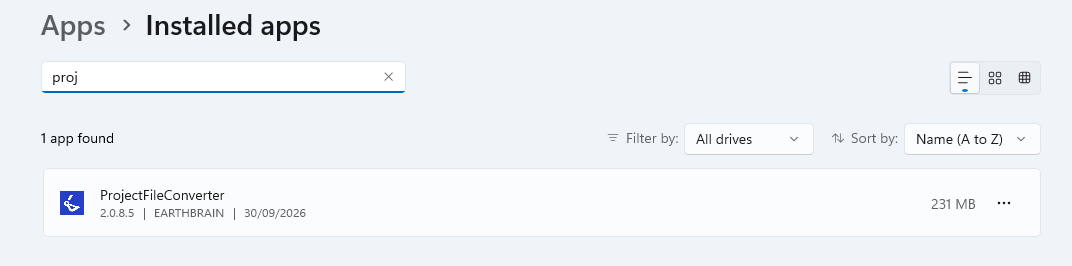
During install process, C++will automatically install in the background as required by Project file converter
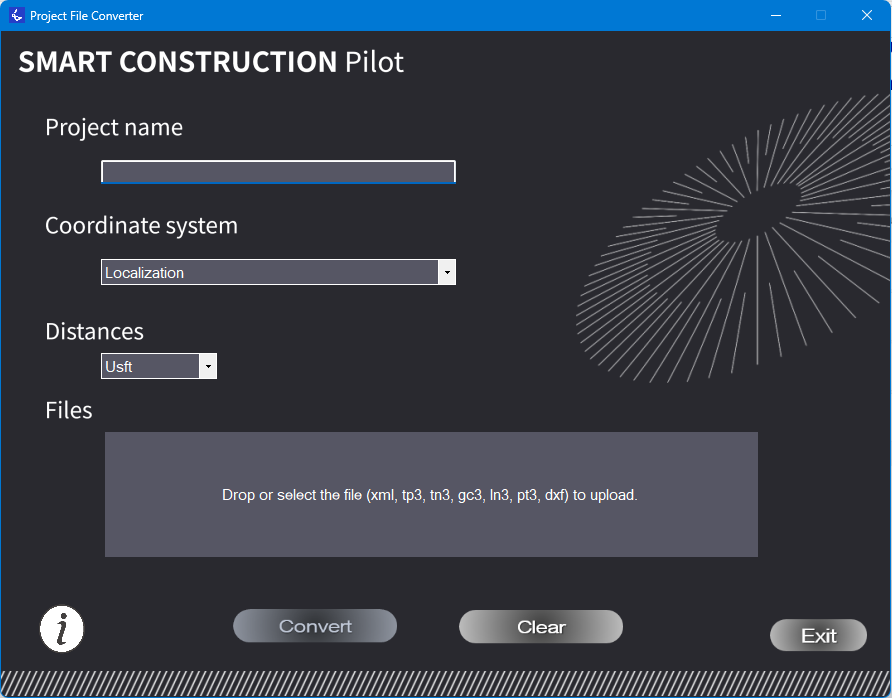
Successful software launch should look like this