
If you have transmitted drone data from Edge2 through the cloud as depicted below and want to utilise it in a dashboard:
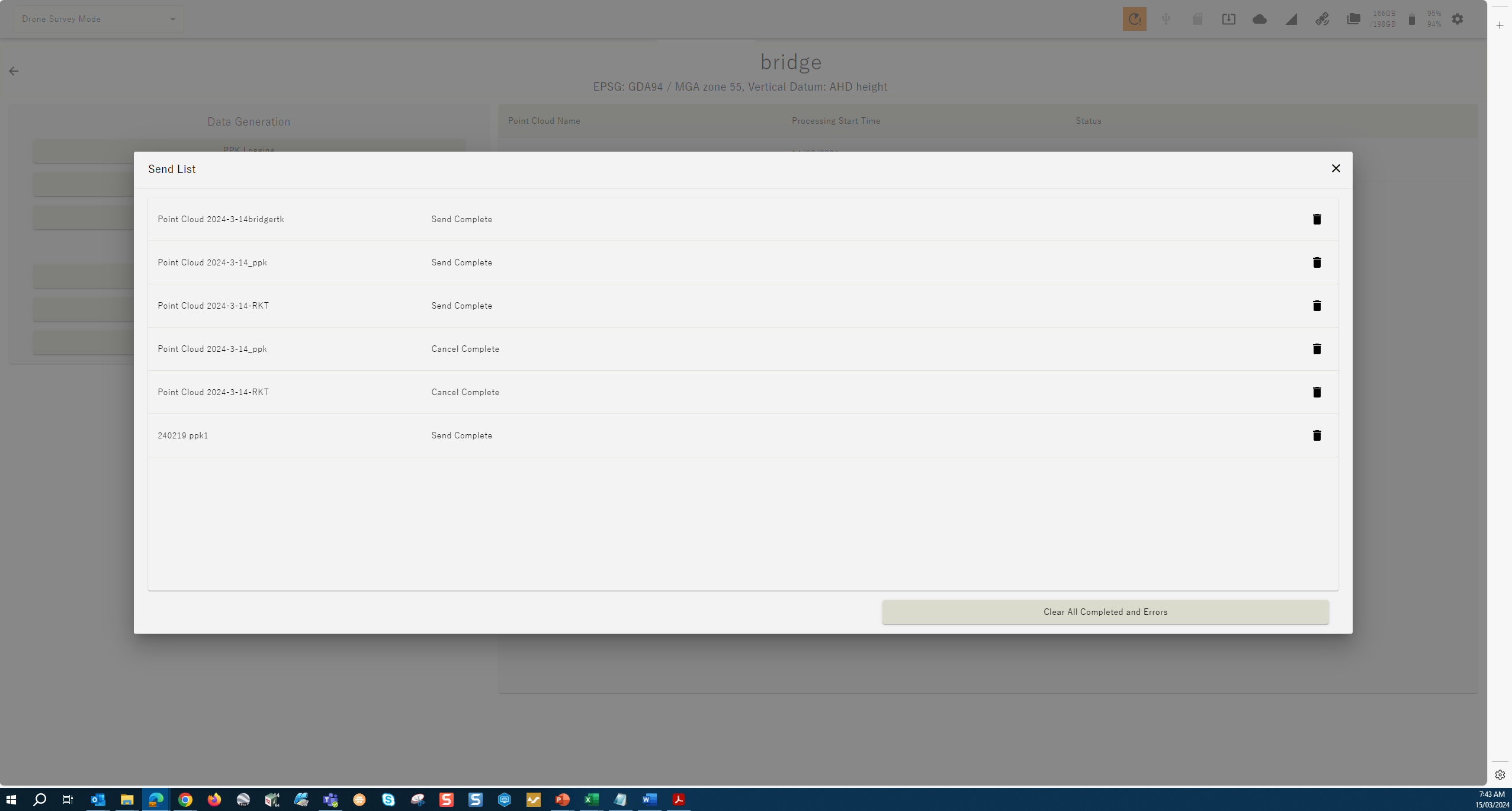
📘 Follow these steps:
-
Log into the Dashboard site you sent the data to.
-
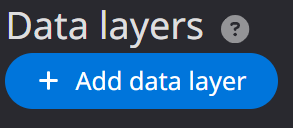
At the home screen select “Add data layer”
-
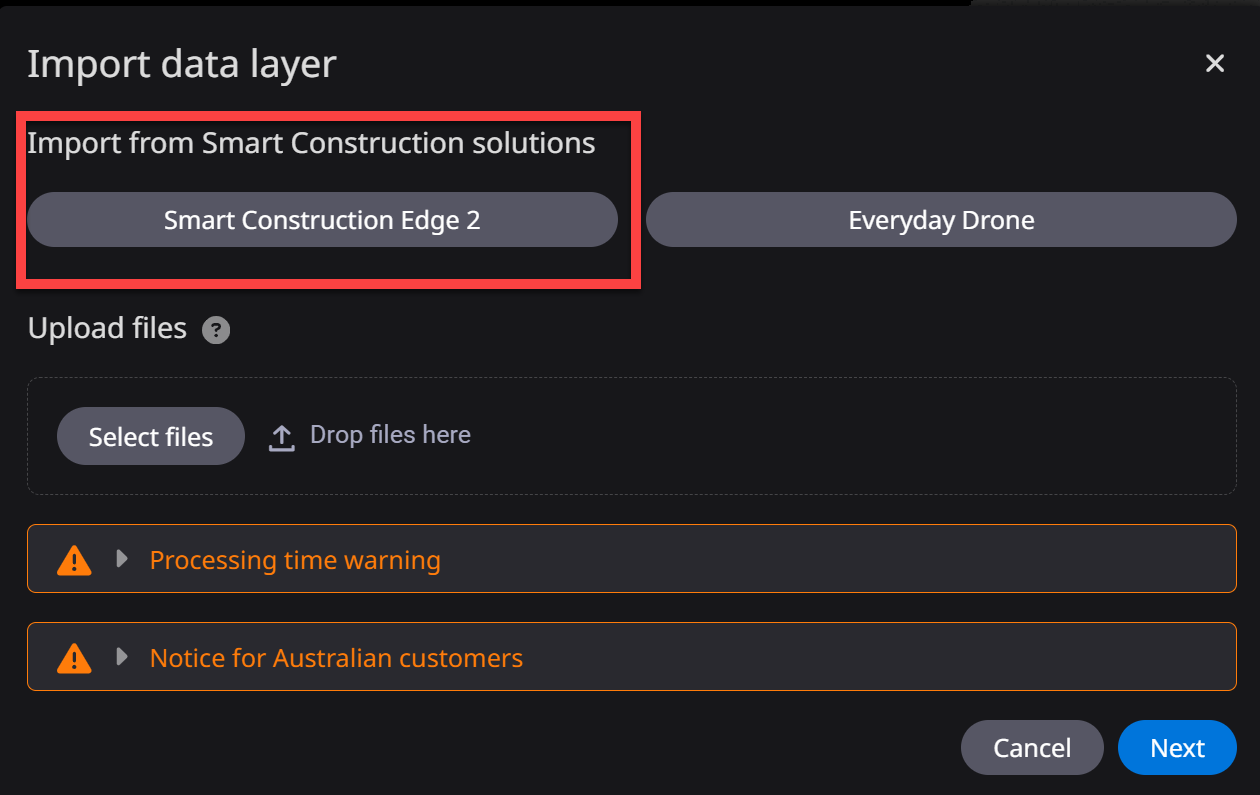
In the new window under Import data layer, select “Smart Construction Edge2”
-
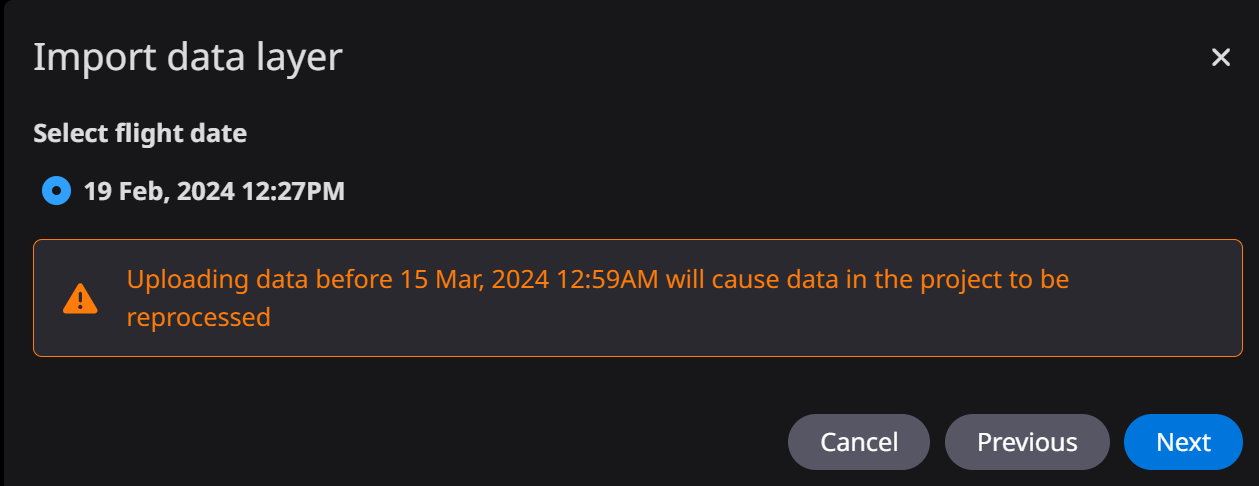
Select the corresponding flight date you want to import, press “Next”
-
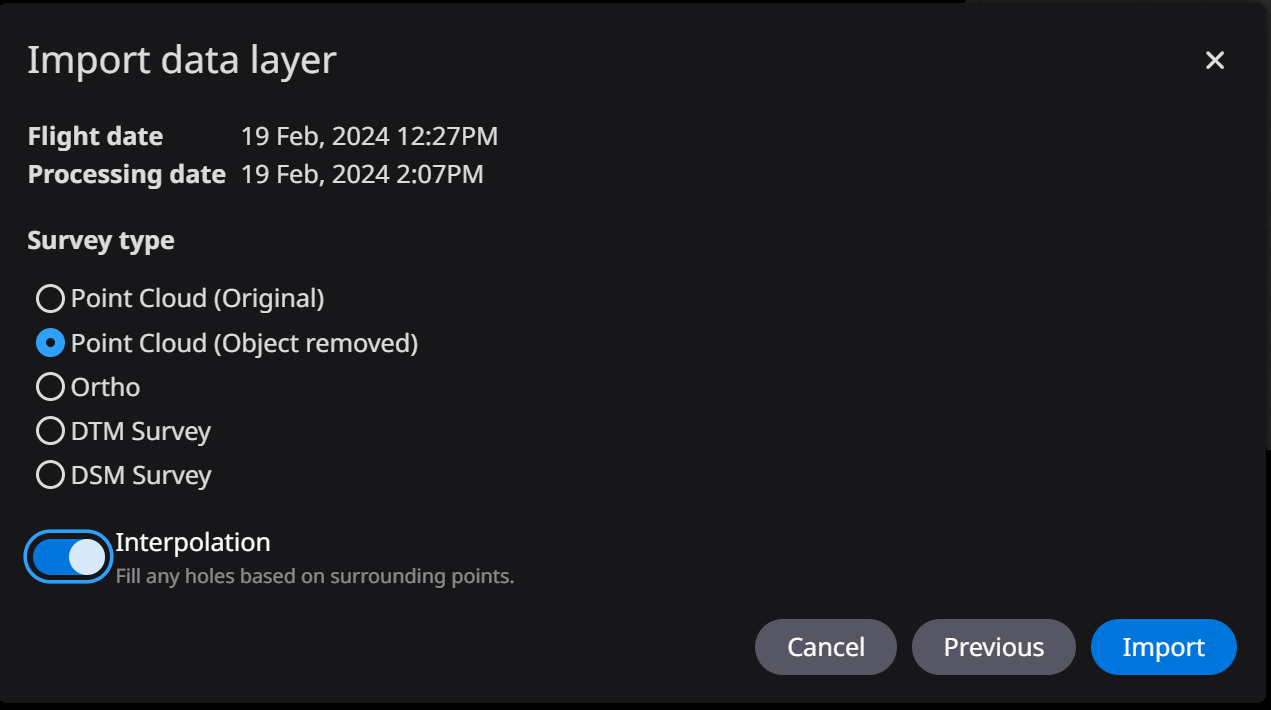
Select the data type you want to import. Remember for Point cloud (Object removed) select “Interpulate”, press “Import”
-
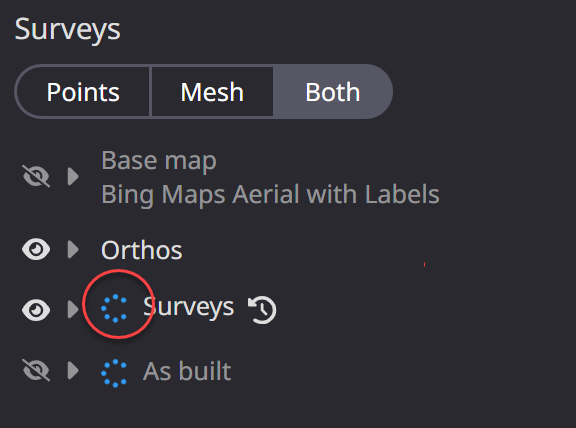
Tilling will start,
-
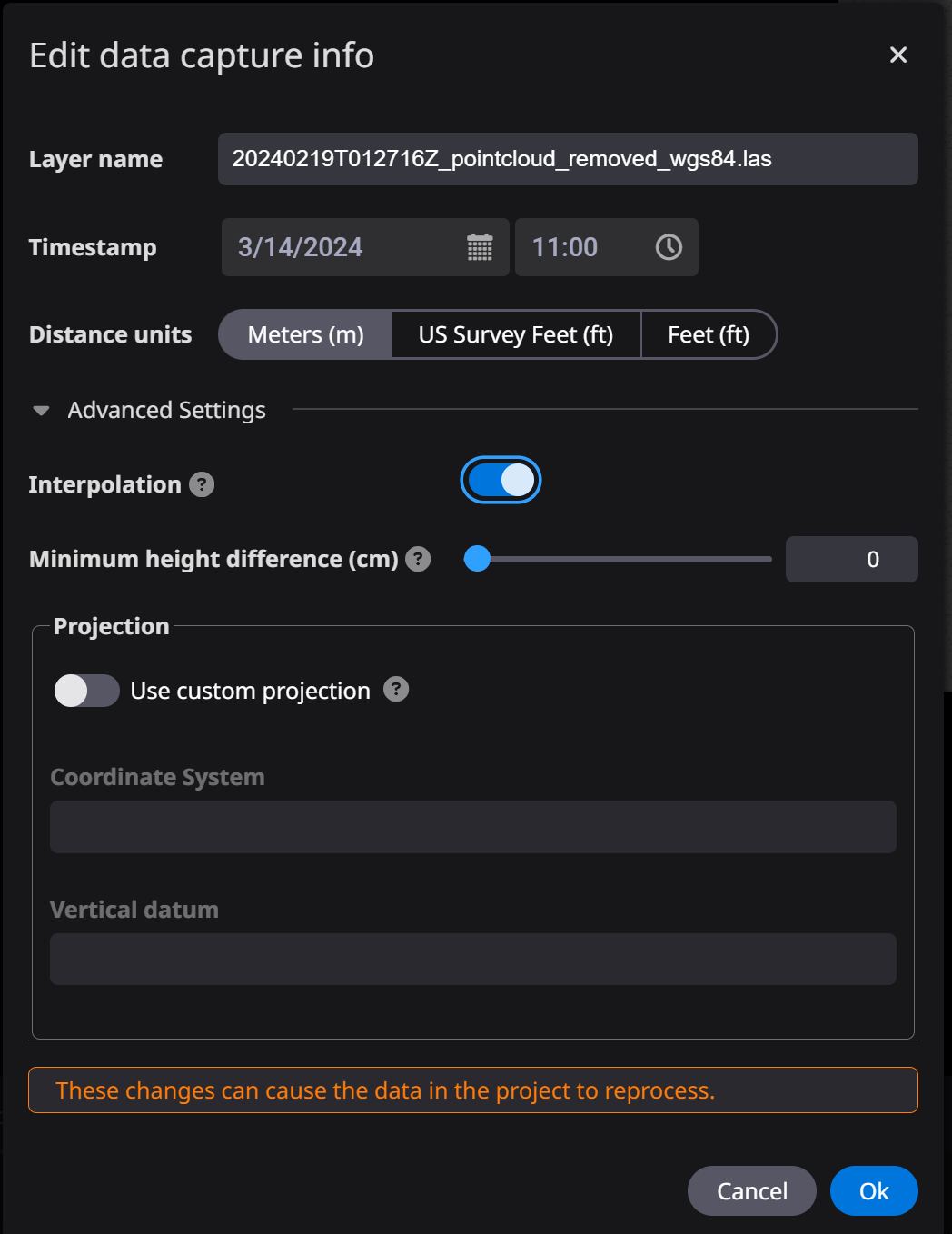
Change the date and time to match the flight.
-
Wait for the tiling to finish before you start measuring your new data.
To upload the other datasets, such as Orthophoto, repeat from step 2.